AI image generation is growing faster than ever.
Tools from companies like OpenAI and Midjourney have made it possible for almost anyone to create incredible visuals with just a few words.
But if you’ve ever typed a prompt and felt disappointed with the result, you’re not alone.
Sometimes the image looks blurry.
Sometimes the face looks strange.
Sometimes it doesn’t match what you imagined at all.
So what’s actually going wrong?
The answer is simple:
Most people don’t have a prompting problem.
They have a communication problem.
AI can only create what it understands. If your prompt is vague, incomplete, or lacks direction, the output usually reflects that.
The Real Problem with Most Prompts
A lot of users write prompts like this:
“A beautiful girl in a city.”
That sounds fine at first—but from an AI perspective, it’s missing almost everything.
Questions the AI still has:
What kind of city?
Day or night?
Realistic or artistic?
Close-up or full body?
Soft lighting or dramatic lighting?
Without those details, the AI starts guessing.
And guessing usually creates average results.
What Better Prompts Look Like
Now compare that with this:
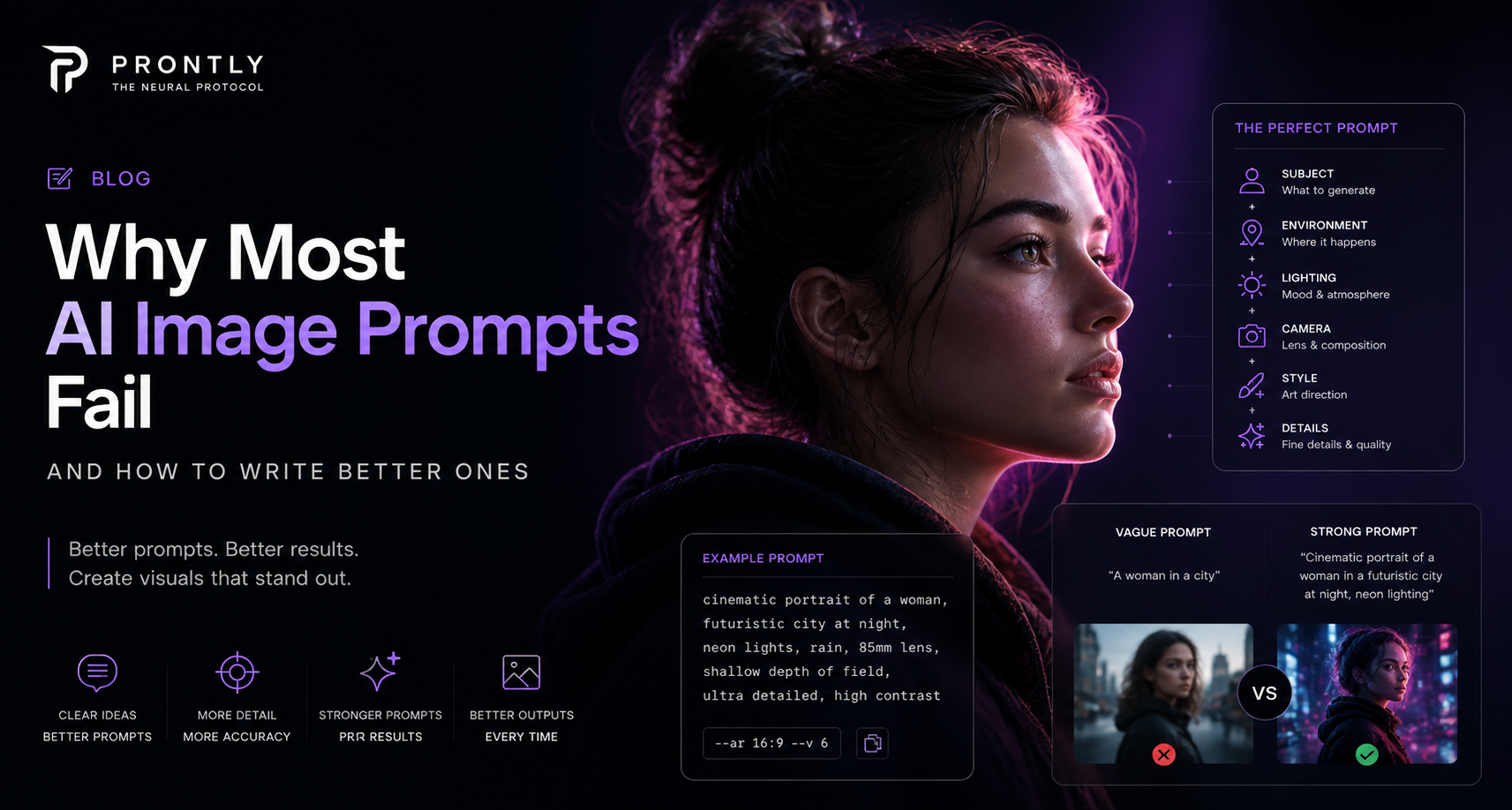
“A cinematic portrait of an Indian woman standing in a futuristic city at night, neon lighting, 85mm lens, shallow depth of field, ultra-detailed skin texture, editorial photography.”
Same idea.
Completely different output.
Why?
Because now the AI has:
A clear subject
A defined environment
Lighting direction
Camera composition
Visual style
That’s how great prompts are built.
A Simple Formula That Works
At Prontly, we often use this structure:
Subject + Environment + Lighting + Camera + Style + Detail
For example:
“A luxury fashion model, rooftop in Dubai, golden hour lighting, 50mm lens, cinematic editorial style, ultra detailed.”
This formula works because it removes ambiguity.
Instead of asking the AI to guess, you’re directing it.
Small Details Make a Big Difference
Words like these can completely change your results:
Lighting
Golden hour
Soft studio lighting
Neon glow
Volumetric lighting
Camera
35mm lens
50mm portrait
Close-up shot
Wide angle
Style
Cinematic
Hyperrealistic
Editorial
Luxury fashion
These keywords help shape the final image more than most people realize.
Don’t Ignore Negative Prompts
One of the biggest mistakes beginners make is skipping negative prompts.
Negative prompts tell the AI what to avoid.
Examples:
blurry
low quality
distorted face
extra fingers
bad anatomy
This can dramatically improve quality.
Final Thoughts
AI image generation isn’t about typing random words and hoping for magic.
It’s about giving clear visual instructions.
The better your prompt, the better your results.
And that’s exactly why Prontly exists—to help creators move from average outputs to professional visuals.
If you’re serious about creating better AI content, start treating prompts like creative direction—not just text.