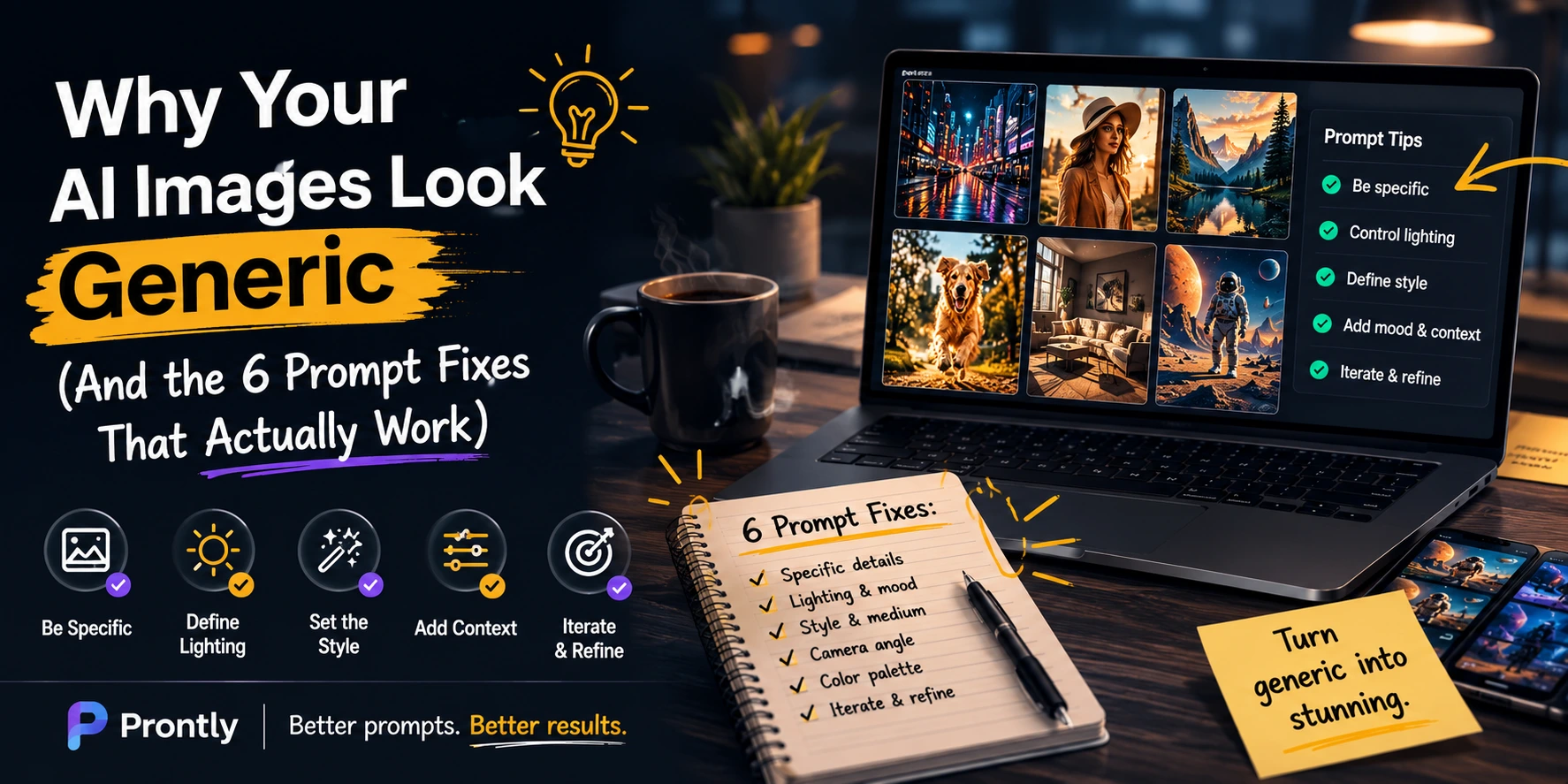
You typed something into Midjourney. You hit enter. You waited. And what came back was... fine. Technically competent. Completely forgettable. Not wrong, exactly, but not even close to what you had in your head.
This experience is so common it has become a meme among creators — the gap between the image you imagined and the image the AI produced. But here is what most tutorials get wrong: the gap is rarely the tool's fault. A comprehensive study found that 83.7% of respondents agreed that clearer, more specific prompts directly produce better AI image results. The model is not broken. The instructions going into it are.
AI image generators interpret your words literally and statistically — not contextually. When you write 'professional portrait,' the model does not understand your personal vision of professional. It makes a statistical guess based on millions of training images that contained those words. The result is always the average of every 'professional portrait' it has ever seen, not yours. The six mistakes below are why that keeps happening — and how to stop it.
The Core Problem: AI Fills Gaps With Averages
Understanding why bad prompts fail is more useful than memorizing a list of tips. Every AI image model works by predicting what pixels should follow from your input. When your prompt is vague, the model has enormous creative latitude — and it fills that latitude with the most statistically probable output. That is not imagination. It is the mean of a distribution. Generic is its default state.
Specificity is the mechanism that moves the output from the average toward your intention. Every detail you add — lighting direction, camera angle, mood, color temperature, artistic reference — narrows the probability space the model draws from. The prompt is not a wish. It is a constraint system. The better you constrain it, the more precise the output.
With that principle in mind, here are the six mistakes pulling your images toward generic — and the exact fixes for each.
The 6 Prompt Mistakes (And How to Fix Them)
Mistake 1: Describing What, Not How It Looks
The most common error is treating the AI like a search engine rather than a director. Typing a noun — 'dog in a park', 'city street at night', 'business meeting' — gives the model a topic, not a visual. Topics produce generic images. Visuals produce specific ones.
The fix: describe what the camera would see, not what the scene is. Include subject specifics, setting, mood, lighting quality, and a style reference. Every element you name is one fewer thing the model guesses wrong.
WEAK PROMPT:
city street at night
STRONG PROMPT:
rain-slicked Tokyo alley at 2am, neon reflections on wet pavement, lone figure with umbrella in the distance, cinematic wide shot, moody blue-orange contrast, 35mm film grain
Mistake 2: Skipping Style and Medium
An undefined style forces the model to guess an aesthetic — and it will almost always guess photorealistic, because that is the dominant mode in its training data. If you want something that doesn't look like a stock photo, you have to say so explicitly.
Style keywords are not decoration. 'Watercolor', 'Baroque oil painting', 'editorial fashion photography', 'cyberpunk digital art', 'vintage risograph print' — each one loads a completely different aesthetic register into the output. Adding a directional reference ('in the style of a 1970s National Geographic cover') is even more precise and consistently outperforms vague adjectives like 'artistic' or 'creative'.
WEAK PROMPT:
a woman in a forest, artistic
STRONG PROMPT:
a woman standing in a misty redwood forest, soft dappled light, editorial fashion photography, muted earth tones, shallow depth of field, shot on medium format film
Mistake 3: Ignoring Lighting Entirely
Lighting is not a detail — it is the image. Professional photographers spend more time on lighting than any other variable. AI image models respond the same way. Without a lighting specification, the model defaults to flat, diffuse, even light — the photographic equivalent of an overcast day. Technically adequate. Visually dead.
The language of lighting is simple to learn and immediately transformative: 'golden hour side light', 'dramatic chiaroscuro', 'soft north window light', 'neon rim lighting', 'backlit silhouette against sunset'. Any of these phrases collapses the model's lighting ambiguity into something specific and cinematic. Words appearing earlier in a prompt also carry statistically more weight in most models — move your lighting spec toward the front.
WEAK PROMPT:
portrait of a jazz musician
STRONG PROMPT:
close-up portrait of an elderly jazz trumpet player, dramatic single-source side lighting, deep shadows, warm amber tones, grainy black and white film aesthetic, shot in intimate club setting
Mistake 4: Overloading the Prompt With Conflicting Instructions
The opposite failure of being too vague is cramming every possible idea into one prompt. 'A futuristic city, baroque architecture, impressionist painting style, photorealistic, ultra-detailed, neon, minimal, shot on film' contains direct contradictions the model cannot resolve. When instructions conflict, the model compromises — and compromised outputs look muddled.
The fix is sequencing. Start with your core subject and one dominant style. Generate. Evaluate. Refine one variable at a time. Treat it like the iterative process it is — not a one-shot lottery where you pour everything in and hope. Prompt chaining, where each generation informs the next, consistently produces better results than single overloaded attempts.
Mistake 5: Never Using Negative Prompts
Negative prompts — instructions telling the model what to exclude — are one of the highest-ROI techniques in AI image generation, and one of the least used. Most creators do not bother until something goes wrong. At that point, they are burning credits on iterations that a few exclusion terms would have prevented.
A practical baseline negative prompt for almost any image: 'blurry, low resolution, watermark, text overlay, extra limbs, deformed hands, oversaturated, flat lighting'. For portraits specifically, add: 'plastic skin, uncanny valley, artificial smile, doll-like'. Precision matters here too — 'bad quality' is too vague to be useful. Name the specific flaw you want excluded, and the model has a concrete target.
Mistake 6: Treating the First Output as the Final Output
Professional AI artists report that the first generation is almost never the one they use. It is the starting point for a refinement process. The creators consistently producing polished, on-brand work are not writing better first prompts — they are iterating faster and more systematically.
The practice worth building: generate three to five variations of any prompt, note which modifier produced the best result, and build on that finding rather than starting fresh. This is precisely why a maintained prompt library compounds over time. Each refined prompt captures a lesson that does not have to be relearned the next session.
The Prompt Framework That Fixes All Six
Rather than running through a checklist each time, use a consistent structural template as your starting point. The six-element framework below addresses each mistake by design:
Subject — who or what, with specific detail (not 'woman', but '30s Indian woman in traditional Kanjeevaram silk saree')
Action or pose — what they are doing or how they are positioned
Setting — where, with environmental specifics
Lighting — quality, direction, and source (golden hour, dramatic side light, overcast diffuse)
Style and mood — medium, aesthetic reference, emotional tone
Composition — camera angle, framing, focal length if relevant
Add negative prompts as a seventh line, always. This structure alone eliminates the majority of generic outputs — not because it is magic, but because it removes the ambiguity the model fills with averages.
Where to Go From Here
The six-element framework is a starting point. What accelerates your results beyond the framework is building a personal library of prompts that are already tested and refined — organized by platform, style category, and use case — so you are always iterating from something that works rather than from a blank field.
Platforms like Prontly are built for exactly this: a searchable library of production-ready AI image prompts, curated across Midjourney, DALL-E, and Stable Diffusion, covering every visual style and creative use case. Think of it as starting every session at step four of the refinement process instead of step one.
The Takeaway
Generic outputs are not an AI problem. They are a communication problem. The model produces the statistical average of your instructions — so the goal is to write instructions specific enough that the average is exactly what you want. Fixing lighting, style, composition, and exclusions costs you thirty seconds per prompt. The quality difference is not marginal. It is the difference between an image you delete and one you publish.
The blank prompt field is where most creators lose the most time. Start with a tested structure. Build from what works. Iterate rather than restart. The craft is learnable — and once learned, it compounds.